AI photo editor for iPhone
Your photos, lit like a night out.
Add the flash, the sunset or the film look to any photo in one tap. Your face stays exactly yours.
Coming soon to theApp Store
Weekly plans from $6.99.
- 21 looks and tools
- About 20 seconds an edit
- Your face stays yours
Looks
Flash, sunset, film. Pick a look.
Move across a card to see the before and after.

 AFTERBEFORENight Flash
 AFTERBEFOREDate Cam
 AFTERBEFOREGolden Hour
 AFTERBEFORERed Neon
 AFTERBEFORECrimson Night
 AFTERBEFOREStardust
How it works
Three taps. About twenty seconds.
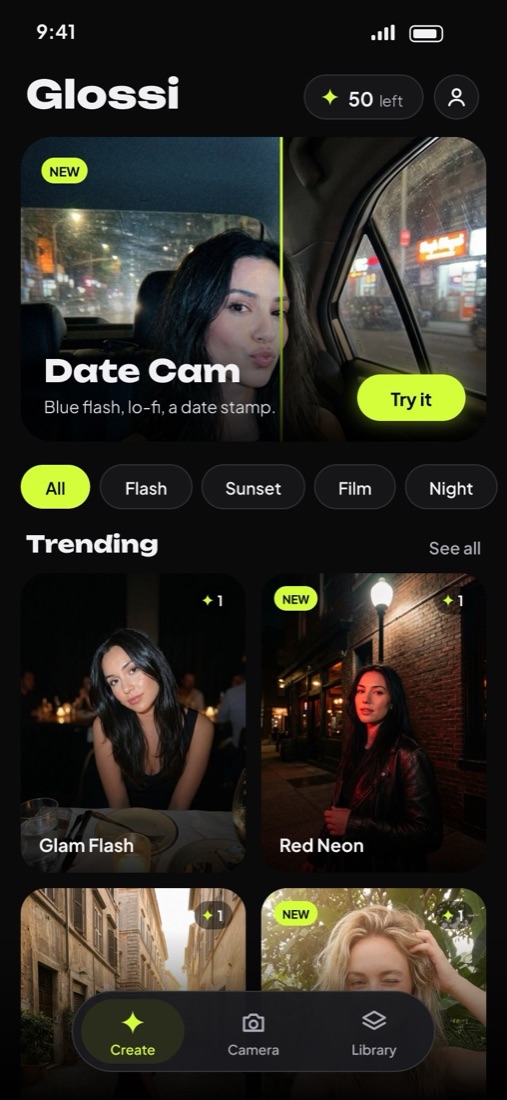
Pick a look
Twenty-one looks, from a hard night flash to golden hour.
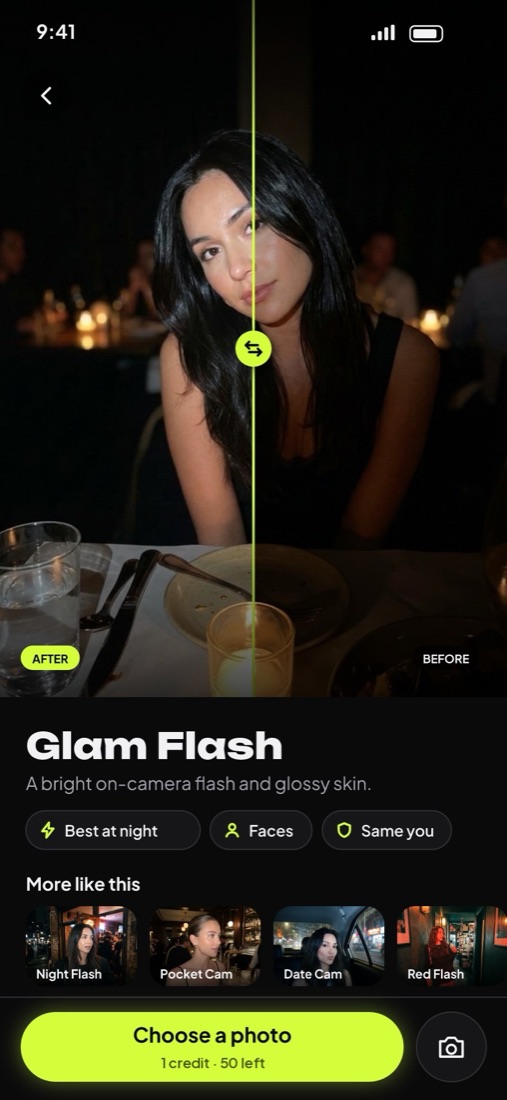
Add a photo
Any photo from your library, or take one with the camera.
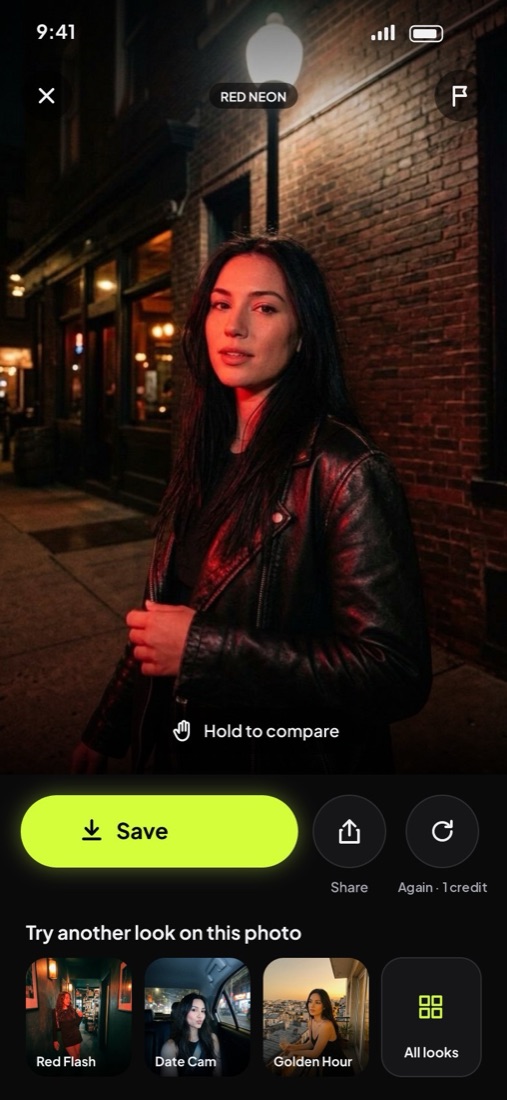
Save and share
Hold to compare, set the strength, save to Photos.

 AFTERBEFORE
Your face stays yours
We change the light. Never you.
Other AI editors reshape faces. Every Glossi look changes only light and colour.
- Same face, pose, clothes and background
- Report any edit that changes you, in one tap
- Photos aren’t kept on our servers
- Google doesn’t train its AI on them
Tools
Fix the photo itself.

 AFTERBEFORE
Enhance
Sharper, cleaner, more detail, in 2K.

 AFTERBEFORE
Clean Background
Removes strangers and clutter behind you.
Pricing
Simple weekly plans.
MOST POPULAR
Gold
$9.99/ week
50 credits a week
All 21 looks and tools
Plus
$6.99/ week
20 credits a week
All 21 looks and tools
Billed weekly through Apple. No free trial. Cancel any time in iPhone Settings. Credit packs for subscribers never expire.
Questions
- Will it change my face?
- No. Every look changes only light and colour. Your face, pose, clothes and background stay the same. If an edit ever changes how you look, report it from the edit itself and we’ll look into it.
- How long does an edit take?
- About 20 seconds. You can keep browsing while it works; it lands in your Library.
- What happens to my photos?
- Your photo goes to Google’s AI to make the edit. Glossi doesn’t keep it on its servers, and Google doesn’t use it to train its AI.
- How do credits work?
- Each edit uses one credit; Photo Booth and Enhance use two. Your plan refills every week, and credit packs never expire.
- How do I cancel?
- Any time in iPhone Settings: tap your name, then Subscriptions. Cancel at least 24 hours before it renews.
Your camera roll’s glow-up.
Coming soon to theApp Store